For administrators
Export or delete your data
What you can download yourself, what we send on request, and how deletion works.
You own everything your organization puts into 360review, and you can take it out again or have it removed. Some of that is a button on the dashboard. The rest is a written request, answered within 30 days.
Download it yourself

- A leader's report as PDF: "Download Full Report" at the top of their dashboard. As an administrator you reach the same button through "Open" on the leader's row.
- The group report as PDF: "Compare groups", then "Generate report", for one category or all of them.
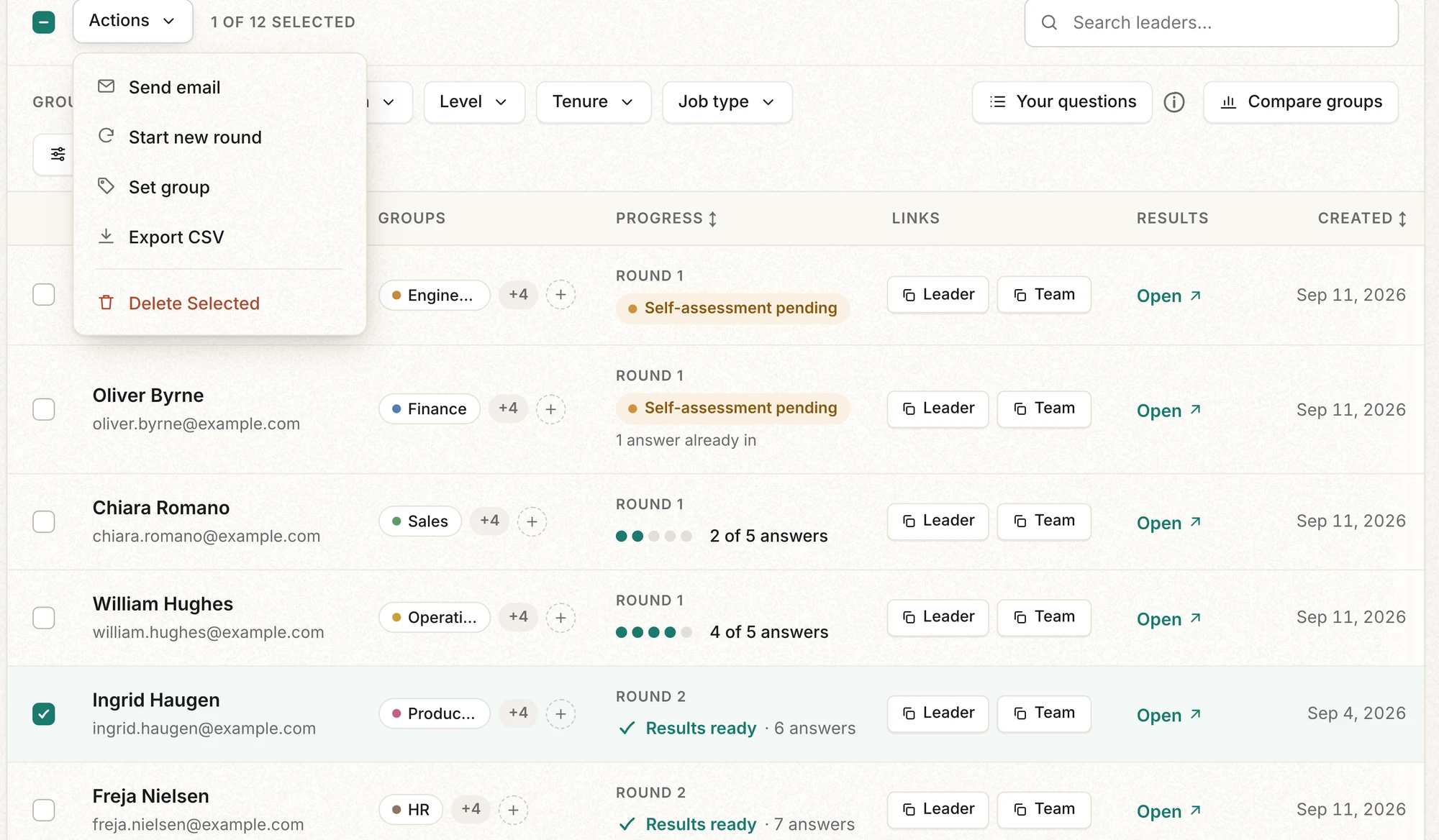
- The leader list as CSV: tick the leaders, open "Actions", choose "Export CSV". The file lists each leader's name, email, number of answers, leader and team links, and date added.
Ask for the full dataset
For a full export, use the contact form. You get what the dashboards show: scores, reports, plans and summarized comments, never what any one person answered. It arrives as CSV or JSON within 30 days, at no cost.
Delete
- One leader: tick the row, open "Actions", choose "Delete Selected". This removes the leader and all of their data permanently, and cannot be undone.
- The whole account: send a written request through the contact form. You can ask for an export first and deletion after, or for deletion alone. Either way it completes within 30 days of the request, and you receive written confirmation.
Where the data lives
Your organization is the data controller and decides what happens to the data. 360review, the processor, uses it only to produce your reports. It stays in the EU, is never used to train AI models, and is kept while you use 360review. The full terms are in the Data Processing Agreement.
Up next: Start your first 360 →