For leaders
Read your 360 report
What each part of your results tells you, and how it becomes a plan.
Your results have 6 tabs. Read the first 3 in order: "Overview" is the numbers, "Report" says what they mean, and "90-day plan" is what to do about it. "Development", "Comparison" and "Archive" fill in from your second 360.
If an administrator added you, they can open the same tabs. Neither of you sees what any one person answered.
Overview
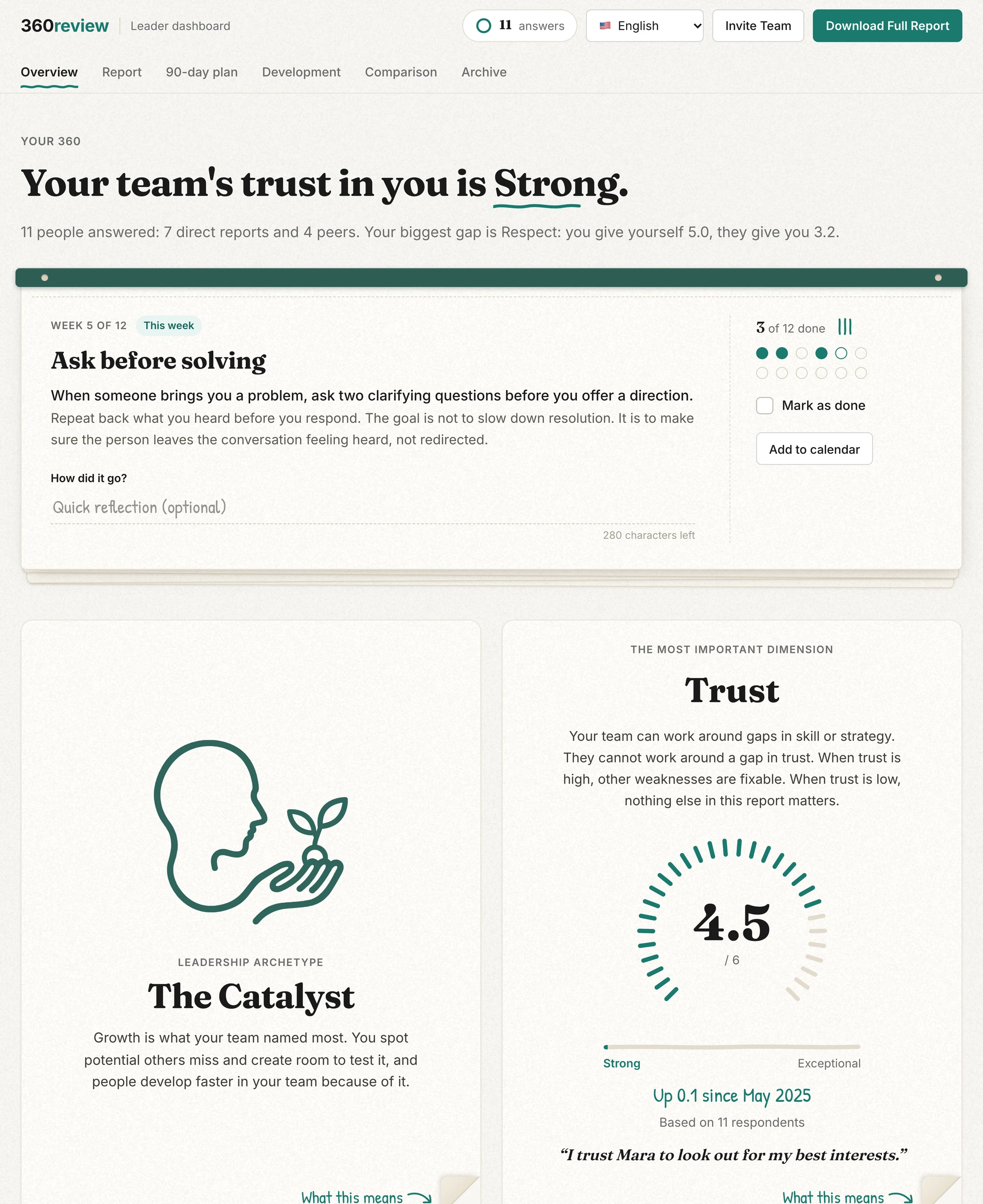
- The archetype is one of 12 leadership styles, such as "The Sage". It names how your team experienced you in this 360. It is not a personality type, and it can change next time.
- Trust is singled out because a team can work around gaps in skill but not around a gap in trust. The gauge shows your team's trust rating and its level, from "Needs Attention" to "Exceptional".
- For each of the 8 dimensions, the gap analysis shows your own rating next to your team's. A gap of 0.75 or more, either way, is a blind spot. Click or tap a bar to see how the answers spread.
- The Net Talent Score shows whether people would recommend working on a team you lead. It appears once 11 people have answered. With fewer, one answer moves it too much.
- After the first 5 answers, your numbers update with every 3 new answers, so no one answer can be picked out.
Report
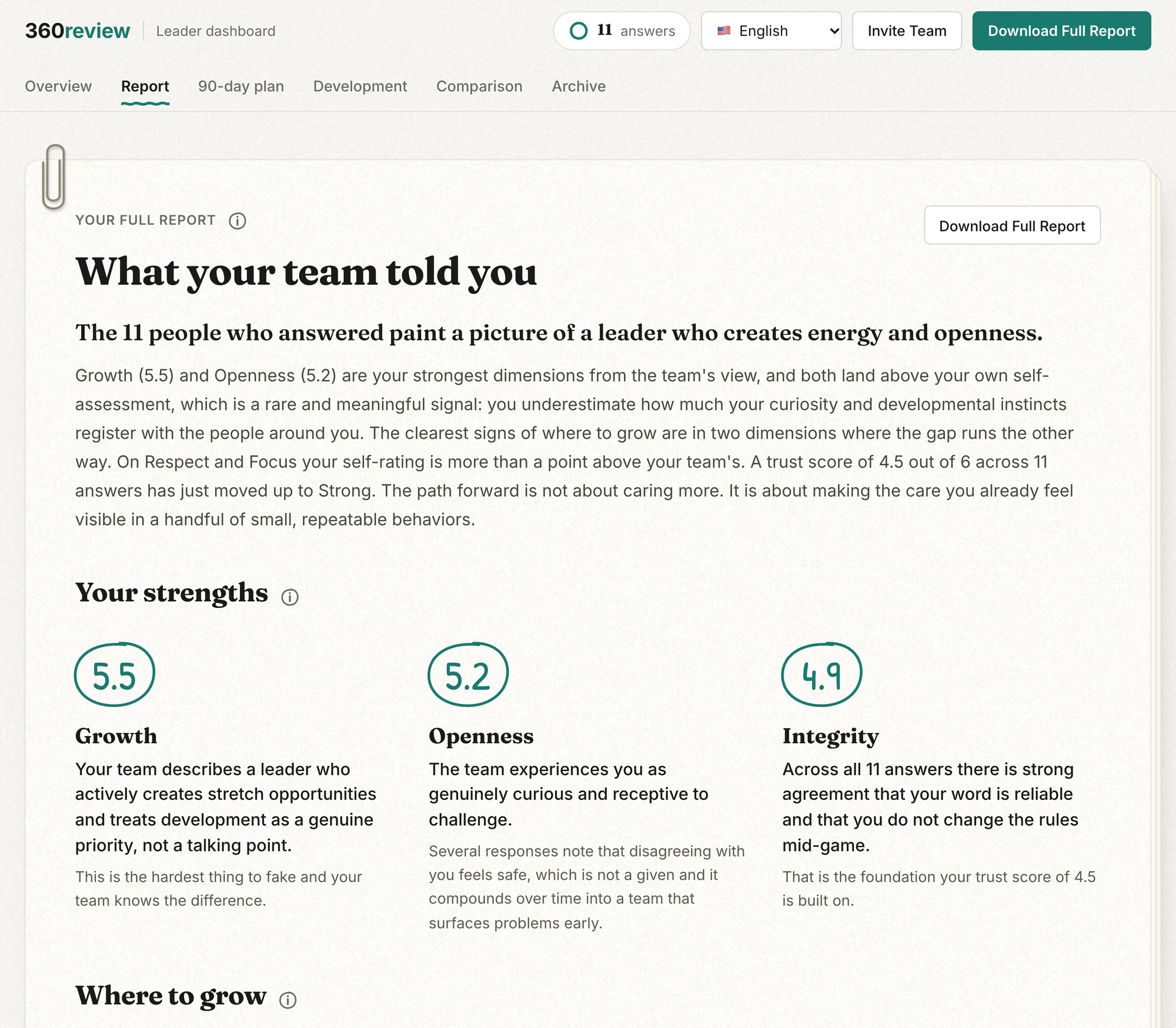
AI writes the report from your scores and your team's written answers. Your data is never used to train AI models. It covers:
- a short summary
- 3 strengths
- 3 growth areas
- your biggest blind spot
- what your team asked you to start, stop and continue
- the themes across all of it
- a closing line that leads into your plan
Once 3 or more new answers are in, press "Refresh Report" to rewrite it.
90-day plan
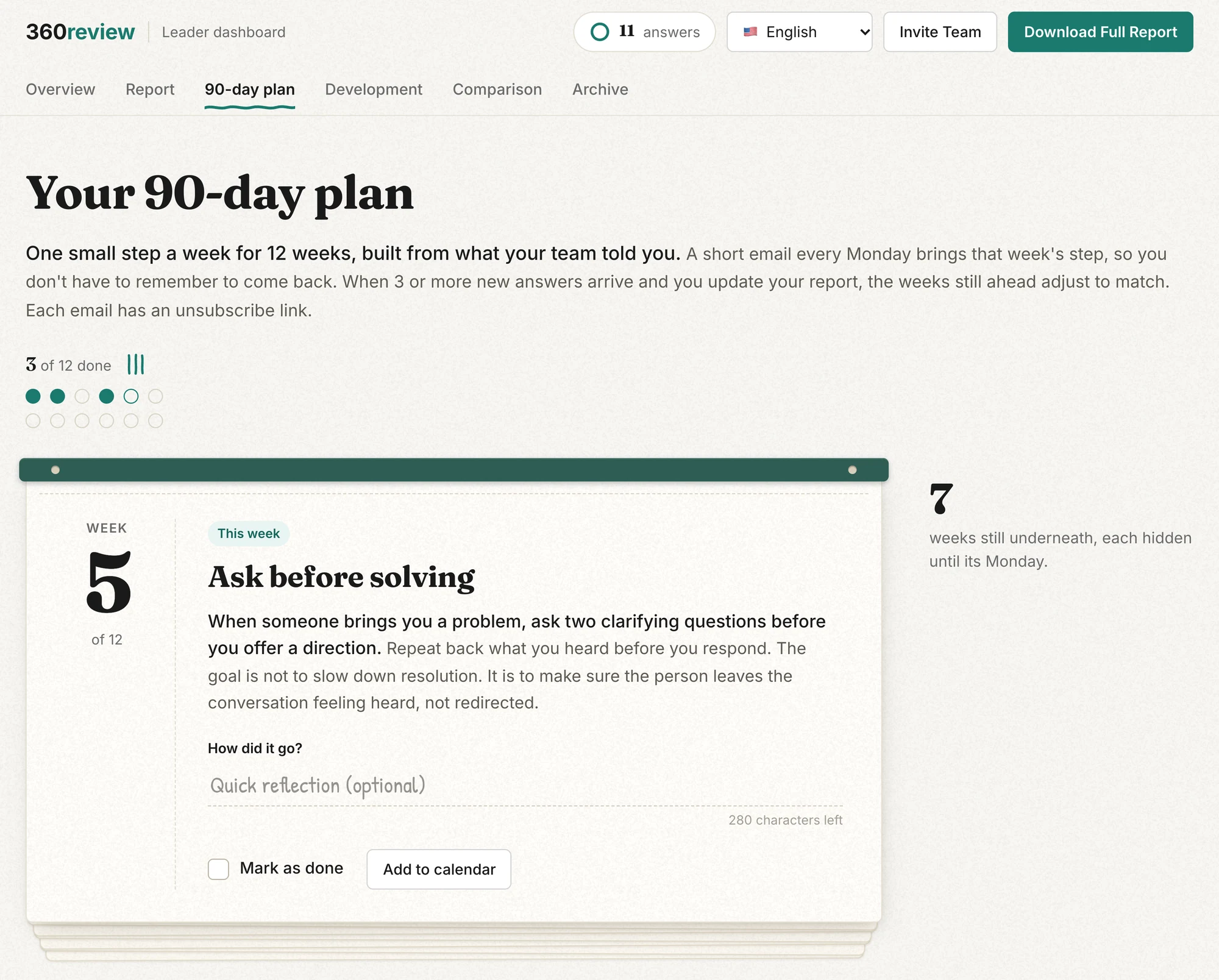
The plan turns the report into one concrete step per week for 12 weeks, opened one week at a time. You get a short email at the start of each week with that week's step, and can unsubscribe from the email footer. Refreshing the report also updates the weeks you have not reached yet.
Take it with you
The "Download Full Report" button at the top of the dashboard downloads the PDF: the same content, laid out for printing or forwarding. For help reading low or surprising scores, see How to interpret your scores. The leader demo is a full dashboard you can click through.